Range extraction
Enter pages like 1-5, 10, or 15-20 to pull only the pages you need into a new PDF.
Upload one PDF, inspect page thumbnails, extract a single range, split every few pages, or create custom ranges before downloading the new PDFs.
Choose exact page ranges from thumbnails before creating separate PDF files.
Use every-N-pages mode when a long document needs equal parts.
Use thumbnails and range controls to extract the pages you need without uploading the PDF.
Select a multi-page PDF and wait for the tool to read the page count, show file size, and start rendering thumbnails for visual checking.
Pick a single page range, split every fixed number of pages, or enter custom ranges such as 1-3, 5-7, and 10-12 for separate results.
Check the preview of files that will be created, run the split, then download one result or use Download All for every generated PDF.
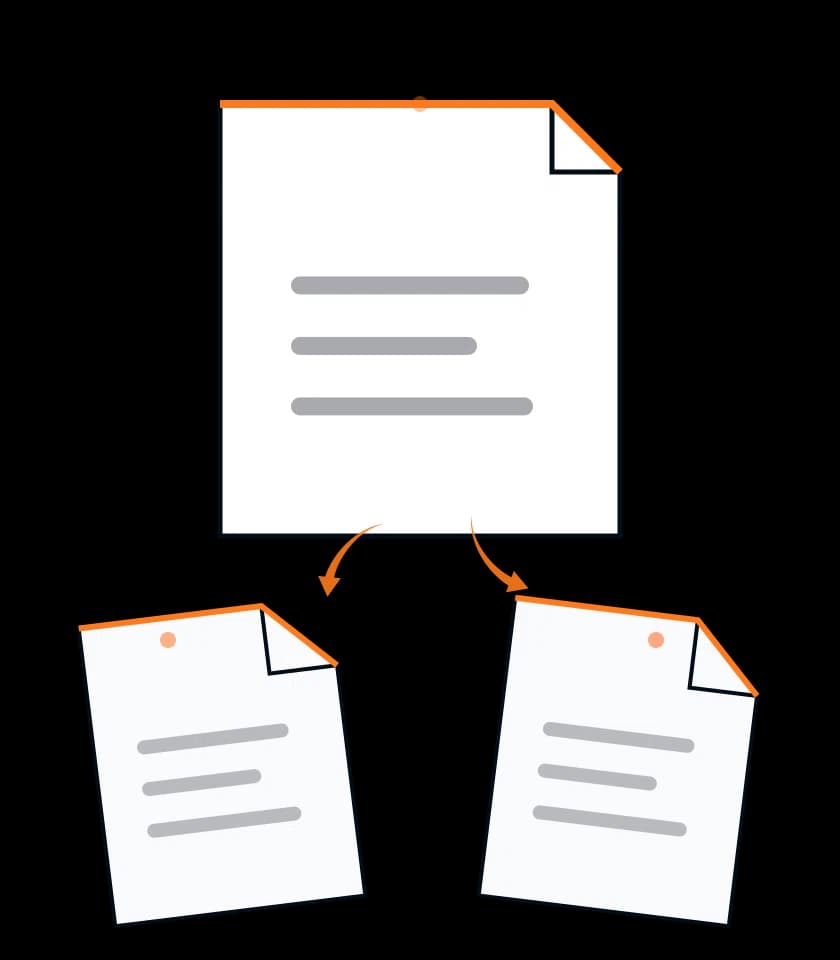
Enter pages like 1-5, 10, or 15-20 to pull only the pages you need into a new PDF.
Break a long PDF into equal parts, such as every 2 pages or every 10 pages, without typing each range manually.
Rendered thumbnails help confirm page numbers visually before you create separate files from the selected ranges in the current document.
The selected PDF is read in the browser and split locally, so the normal workflow does not require an upload.
Result files include page ranges in their filenames, making it easier to identify sections after downloading multiple PDFs.
Operation limits appear near the split controls, so you know whether the current run can start before editing ranges.
Split PDF keeps page extraction in the browser, stores results only in the current tab, and explains what to check before downloading files.
Split PDF reads the selected PDF with browser libraries, builds page thumbnails, and creates the extracted PDF files locally after you choose ranges.
The source file and generated results stay in the open tab until you download them or refresh the page.
You can choose ranges and download split results without signing in, subject to the visible daily operation limit.
Check page numbering, protection status, browser memory, and output naming before extracting pages from an important PDF.
The regular split workflow reads the selected file in your browser.
Use only PDFs you are allowed to process on this device.
Locked or damaged PDFs may fail before thumbnails appear.
Scanned files with many image pages may load slowly.
Confirm page numbers against thumbnails, not only the document table of contents.
Custom ranges can create multiple files from one source PDF.
Result filenames include page ranges or part numbers.
Keep the original PDF until every downloaded result opens correctly.
Split PDF loads one PDF in the browser and creates new PDFs from selected ranges; large scanned files can slow thumbnail generation.
Split PDF uses the current workspace plan limit for split runs; device memory and PDF size can affect processing speed.
You can enter single pages, ranges, or comma-separated groups such as 1-5, 10, and 15-20. Invalid page numbers are rejected before splitting.
Yes. Choose the every-N-pages option and enter the number of pages per file. The tool previews how many PDFs will be created.
No upload is required for the regular split workflow. The PDF is loaded, previewed, split, and downloaded from the browser session.
The tool copies selected pages into new PDFs instead of recreating them from screenshots. Source quality problems remain visible in the extracted files.
Yes. After the split finishes, use Download All to trigger downloads for every generated PDF, or download individual results one by one.
A split can fail if the source PDF is encrypted, damaged, too large for browser memory, or contains page data the parser cannot read.
4.4 (503 ratings)