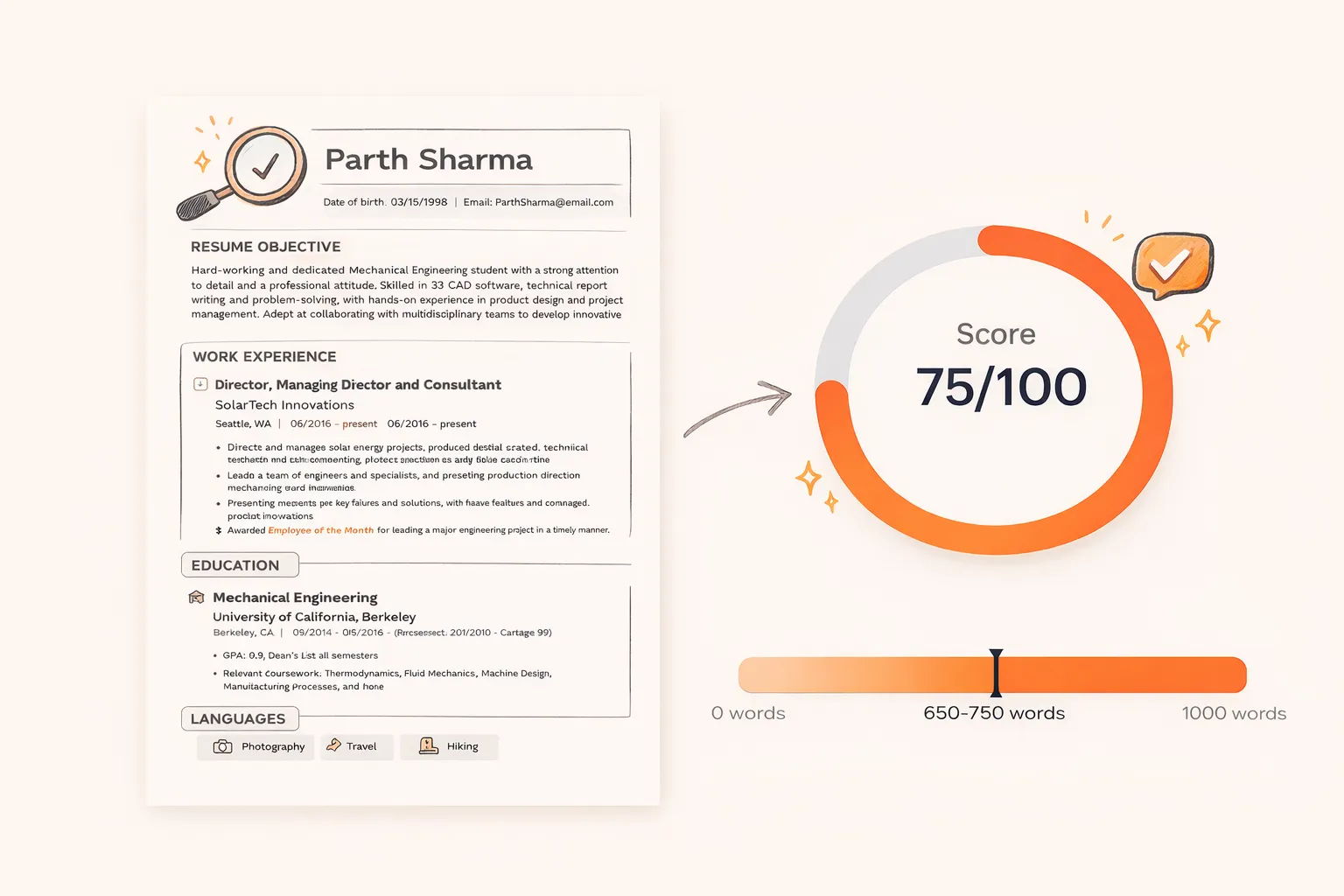
The operating system for builders.

Everything you need to build, learn, and get hired. Harness an arsenal of 145+ high-performance tools, tap into our vast technical hub, and dominate your job search with our AI-driven career suite.

RuneRune
RuneAILoginSign up

Programming Languages

5 topics

beginner
  • What is JavaScript? A Complete Beginner Guide
  • Who Invented JavaScript? The Brendan Eich Story
  • What is JavaScript Used For in Web Development
  • Is JavaScript Frontend or Backend? Full Guide
  • How to Run JavaScript in the Browser and Node
  • How to Execute JavaScript in Chrome DevTools
  • JS Variables Guide: How to Declare and Use Them
  • JavaScript Data Types Explained
  • JavaScript Operators: Complete Reference
  • JavaScript Strings: Methods & Template Literals
intermediate
  • JavaScript Closures: A Deep Dive
  • Prototypal Inheritance in JavaScript
  • Promises and Async/Await Explained
  • The JavaScript Event Loop
  • JavaScript Modules: Import & Export
advanced
  • JavaScript Engine Internals: V8 Deep Dive
  • Memory Management & Garbage Collection
  • Web Workers and Multithreading
Next →Who Invented JavaScript?

What is JavaScript? A Complete Beginner Guide

Learn what JavaScript is, why it powers the modern web, and how it works behind the scenes. This beginner guide covers core concepts, real examples, and everything you need to know.

JavaScriptBeginner
Rune Hub Team·Feb 25, 2026·12 min read

JavaScript is the programming language that makes websites interactive. Every time you click a button that opens a dropdown, submit a form that validates your email in real time, or scroll through an infinitely loading feed, JavaScript is running behind the scenes. It is the only programming language that runs natively in every web browser, which is why it powers approximately 98% of all websites on the internet today.

If you are starting your programming journey, understanding what JavaScript is and how it fits into the web development ecosystem is the most important first step. This guide breaks down exactly what JavaScript is, how it works, what makes it different from other languages, and why learning it in 2026 is one of the smartest career decisions you can make.

What is JavaScript, Exactly?

JavaScript is a high-level, interpreted programming language originally designed to add interactivity to web pages. Created in 1995 by Brendan Eich at Netscape Communications, it has evolved from a simple scripting language into one of the most versatile and widely used programming languages in the world.

Think of a website like a house. HTML is the structure: the walls, floors, and roof. CSS is the paint, furniture, and decorations that make the house look good. JavaScript is the electricity and plumbing that make everything actually work.

// HTML provides structure
// CSS provides styling
// JavaScript provides behavior
document.getElementById("garage-door").addEventListener("click", function () {
const door = document.getElementById("garage-door");
door.classList.toggle("open");
console.log("Garage door toggled!");
});

JavaScript is technically classified as a multi-paradigm language, meaning it supports multiple programming styles including object-oriented, functional, and event-driven programming.

Key Characteristics of JavaScript

CharacteristicWhat It MeansWhy It Matters
High-levelAbstracts away memory managementReadable code, no manual memory
InterpretedExecutes line by line with JITInstant feedback in browsers
Dynamically typedVariables hold any typeFaster prototyping
Single-threadedOne thread with event loopSimpler mental model
Multi-paradigmOOP, functional, proceduralFlexible for any project
Garbage collectedAuto frees unused memoryFewer memory leak bugs

How JavaScript Runs in the Browser

Every modern web browser ships with a built-in JavaScript engine that reads, compiles, and executes your code. When you visit a website, the browser downloads the HTML file, encounters a <script> tag, and hands the JavaScript code to this engine.

  1. Parsing: The engine reads your code and converts it to an AST
  2. Compilation: JIT compilation converts AST into optimized machine code
  3. Execution: The machine code runs on your processor
  4. Garbage Collection: The engine cleans up unused memory
EngineBrowser / RuntimeDeveloper
V8Chrome, Edge, Node.jsGoogle
SpiderMonkeyFirefoxMozilla
JavaScriptCoreSafariApple
HermesReact NativeMeta
Good to Know
JavaScript is NOT the same as Java. Despite the similar names, they are completely different languages with different syntax, use cases, and histories. The naming was a marketing decision in 1995.

What Can You Build with JavaScript?

JavaScript started as a browser-only language, but today it runs almost everywhere. Here is a practical example of JavaScript handling a live search filter:

// Live search filter: updates as the user types
const searchInput = document.getElementById("search-box");
searchInput.addEventListener("input", function (event) {
const query = event.target.value.toLowerCase();
products.forEach(function (product) {
product.style.display = product.dataset.name.includes(query) ? "block" : "none";
});
});

Beyond browser interactions, JavaScript now powers:

  • Frontend web apps: React, Vue.js, Angular, Svelte
  • Backend servers: Node.js handling millions of requests
  • Mobile apps: React Native, Ionic
  • Desktop apps: Electron (VS Code, Slack, Discord)
  • Game development: Phaser.js, Three.js
  • Machine learning: TensorFlow.js in the browser

Your First JavaScript Program

The best way to understand JavaScript is to write some. Open Chrome, press F12 to open DevTools, click the "Console" tab, and type:

// Your first JavaScript program
const myName = "Alex";
const myAge = 22;
const isLearningJS = true;
function createGreeting(name, age) {
return `Hi, I'm ${name}, ${age} years old!`;
}
console.log(createGreeting(myName, myAge));
// Output: Hi, I'm Alex, 22 years old!

Why Learn JavaScript in 2026?

Job market demand: JavaScript has been the most used programming language on the Stack Overflow Developer Survey for over 11 consecutive years.

One language, multiple platforms: Learning JavaScript gives you the ability to build for the web, mobile, desktop, and server.

Massive ecosystem: The npm registry hosts over 2 million packages. Whatever you want to build, someone has probably already created a library that handles the hard parts.

Best Practices for JavaScript Beginners

Foundation Habits

These practices will save you hundreds of hours of debugging as your projects grow.

  • Always use const by default, let when you need reassignment. Never use var.
  • Use strict equality (===) instead of loose equality (==).
  • Write descriptive variable and function names.
  • Handle errors from the start with try...catch.

Common Mistakes and How to Avoid Them

Watch Out

Every beginner hits these problems. Knowing them in advance saves hours.

  • Confusing = with ===: assignment vs comparison.
  • Case sensitivity: myName and myname are different.
  • Not understanding async behavior: use async/await.
  • Object mutation: use spread (...) for copies.

JavaScript Compared to Other Beginner Languages

FactorJavaScriptPythonJava
Learning curveGentleGentlestSteep
Runs onBrowser + server + mobileServer + data scienceServer + Android
TypingDynamic (+ TypeScript)Dynamic (+ type hints)Static
Job marketExtremely highHighHigh
SetupNone (any browser)Python installJDK + IDE + build

Next Steps

1
Set up your development environment
Download VS Code, install ESLint, and create your first .js file.
2
Learn variables, data types, and operators
Master const, let, strings, numbers, booleans, arrays, and objects.
3
Practice with small interactive projects
Build a tip calculator, random quote generator, or color picker.
4
Explore JavaScript across the web
Learn what JavaScript is used for to see career paths available.

FAQ

Is JavaScript hard to learn for complete beginners?

JavaScript has one of the gentlest learning curves. You can write your first program in minutes using just a browser.

Is JavaScript the same as Java?

No. They are completely different languages. The similar names were a 1995 marketing decision by Netscape.

Can I get a job knowing only JavaScript?

Yes, JavaScript alone qualifies you for frontend roles. Combined with React/Node.js, you can apply for full-stack.

Do I need HTML and CSS first?

Strongly recommended. HTML and CSS take 2–4 weeks and give you the foundation for visual JavaScript projects.

What is TypeScript?

TypeScript is a superset of JavaScript that adds optional static typing. It compiles down to JavaScript.

How long to learn JavaScript?

Fundamentals: 4–8 weeks. Real projects: 3–6 months. Job-ready with React: 6–12 months.

Key Takeaways

  • JavaScript is the only language running natively in all browsers, powering 98% of websites
  • One language lets you build for frontend, backend (Node.js), mobile (React Native), and desktop (Electron)
  • Zero setup to start. Open any browser console and write your first program in seconds
  • Most used language on Stack Overflow for 11+ consecutive years
  • Learning JS first is essential. TypeScript compiles down to JavaScript
Previous
No previous article
Next →
Who Invented JavaScript? The Brendan Eich Story

On this page

Share

Three Pillars. One Ecosystem.

Tools, tutorials, and AI. Everything you need to build, learn, and grow.

Way more than just tools...

145+ Tools

Every tool, one place

PDF editing, image processing, text tools, developer utilities, and more. All in your browser, fully private.

Explore Tools

AI-powered career suite

Resume builder with GPT-4.1, ATS scoring, cover letters, and recruiter matching.

Build Your Resume

Your files never leave your browser.

Every tool processes data locally in your tab. No uploads, no servers, no tracking. What you work on is entirely yours.

Explore Tools

Free to start, always

Every platform is free. Upgrade to Plus, Pro, or Ultimate for higher limits and premium features when you're ready.

Learn Faster with AI

Personalized learning powered by artificial intelligence

Struggling to understand a topic?

Our AI explains concepts, makes quizzes, and builds roadmaps just for you.

Personalized Explanations - Complex topics broken down just for you

Custom Quizzes - Test your knowledge with AI-generated questions

Learning Roadmaps - Step-by-step paths tailored to your goals

RuneAI Assistant

Online now

"Can you explain React hooks?"

"I'll break down React hooks for you! Let me create a personalized explanation and quiz..."

Your AI study companion.

Flashcards, quizzes, and instant doubt-solving, all powered by AI that adapts to how you learn.

Adaptive Quizzes

Test yourself on anything.

AI generates exam-style questions from any topic. Difficulty auto-adjusts as you improve.

Question 1 of 300:30

Which data structure uses LIFO ordering?

Flashcard Studio

Memorise with spaced repetition.

AI generates cards from any material. Review intervals adapt to your recall.

Front

What is the time complexity of binary search?

Tap to flip
Back

O(log n). It halves the search space with every comparison.

Tap for next →
Doubt Solver

Instant step-by-step answers.

Paste any question. AI breaks it down with full reasoning, not just answers.

∫ x·eˣ dx

Click Solve to see the step-by-step breakdown.

Start LearningFree to use · Start learning instantly

In-depth articles on AI, programming languages, web development, and the future of technology

Frequently asked questions

Everything you need to know about the Rune ecosystem. Can't find your answer? Get in touch

Ready to ExploreEverything Rune?

145+ tools, an ever-growing tutorial library, AI learning, AI discovery, and career tools, all free to start.