Selectable PDF text input
The extractor is designed for PDFs with embedded text, such as reports, manuals, invoices, ebooks, briefs, and exported documents. It does not pretend that image-only scans are readable without OCR.
Use PDF to Text when you need readable text from a selectable PDF, with page range control, clean formatting, and quick copy or download options.
Use clean mode for reading notes, research excerpts, and reusable paragraphs from readable PDF documents.
Switch to exact mode when line breaks, page order, or copied table-like text needs closer checking.
Follow these steps to extract text from a selectable PDF, clean up spacing, and save the result in the format that fits your next task.
Upload a PDF that contains selectable text, then wait for the preview and page count to load. If the file is only scanned images, run OCR first and come back with the searchable version.
Enter a page range when you only need part of the document. Use clean mode for smoother paragraphs, or exact mode when preserving line breaks is more important than readability.
Scan the extracted text for missing headers, repeated footers, broken words, or odd spacing. Copy it to your clipboard, download a TXT file, or save Markdown when you want a heading-friendly note.
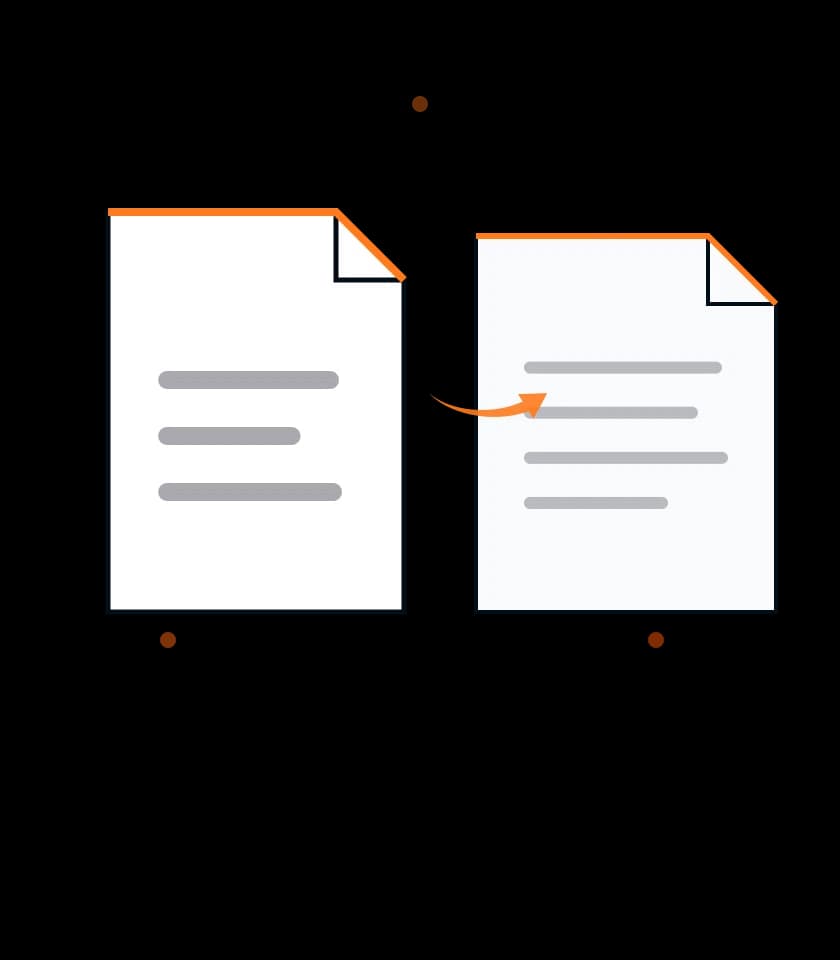
The extractor is designed for PDFs with embedded text, such as reports, manuals, invoices, ebooks, briefs, and exported documents. It does not pretend that image-only scans are readable without OCR.
Clean mode reduces noisy whitespace for reading and summarizing. Exact mode keeps more original line structure, which helps when you are checking lists, citations, tables, or page-by-page notes.
Text extraction runs in the browser workspace. Recent extraction history can stay available locally, but you should still download or copy important output before closing the tab.
Use the copy button for quick reuse, download TXT for plain archives, or save Markdown when the extracted content is headed into notes, documentation, or a writing draft.
Extract a single page, a short range, or the full document. This is useful when a long PDF only has one section that matters for quotes, data review, or content cleanup.
The result panel shows useful counts and lets you read the extracted text before export, so you can catch missing pages, jumbled columns, or text that came from a protected or damaged PDF.
PDF to Text explains what happens to the selected PDF, where recent extraction history can remain, and why scanned pages need OCR before text can be copied.
PDF to Text parses the selected PDF in your browser with PDF.js, then builds copyable text from the pages and page range you choose.
PDF to Text keeps extraction history in the current browser session so you can reload recent results without sending files to a document library.
PDF to Text can be used without signing in. Keep the tab open until you copy or download the extracted text you need.
Check these points before extracting text from a PDF, especially when you plan to quote, summarize, translate, or reuse the output in another document.
PDF to Text is meant for files you are allowed to process. Do not paste extracted contract, medical, account, or client text into another app until you know that app is approved for it.
Browser-side extraction reduces unnecessary upload steps, but the text you copy or download still becomes your responsibility once it leaves the workspace.
Use a PDF with real selectable text for the best result. Highlight a word in your PDF reader first if you are unsure whether the document has a text layer.
Scanned PDFs, photographed pages, flattened receipts, and image-only books usually need OCR before normal PDF text extraction can work.
Compare important paragraphs with the original PDF before you publish, cite, or send the extracted text. Multi-column layouts can reorder text in unexpected ways.
Keep the source PDF until you confirm that page ranges, line breaks, symbols, and paragraph spacing are good enough for the destination.
PDF to Text reads selectable PDF text in the browser. Long documents, heavy page previews, or unusual embedded fonts can slow extraction.
PDF to Text depends on the text layer already inside the PDF. Scanned image pages need OCR before this extractor can read them.
PDF to Text extracts the selectable text layer from a PDF and turns it into copyable output. It is useful for research notes, quotes, reports, manuals, invoices, and PDFs that already let you select text.
Not directly. A scanned PDF is usually an image, so the extractor cannot read it as characters. Use an OCR tool first, then run the searchable PDF through PDF to Text.
Use clean mode when you want readable paragraphs with reduced spacing noise. Use exact mode when page structure, line breaks, citations, or list formatting matter more than a polished reading flow.
No. It reads the selected file and creates text output for copying or downloading. Keep the original PDF nearby until you verify the extracted text against the source.
PDFs store visual placement and text content separately, so columns, sidebars, headers, footers, and floating captions can appear in a different reading order. Check the output before using it in final work.
4.6 (314 ratings)