Text and document input
Paste long text directly, or upload TXT and DOCX files under 5 MB when you want to summarize notes, drafts, reports, or class material.
Paste long text or upload a TXT or DOCX file, choose summary length and tone, and generate a reviewable summary with optional key points.
Control summary length, tone, key points, and focus questions from one form.
Use summaries for articles, essays, reports, notes, and meeting transcripts.
Add enough source text, choose the detail and tone, then compare the generated summary with the original before copying or downloading it.
Add at least 100 characters of source text, or upload a TXT or DOCX file under 5 MB. The request is trimmed to 15,000 characters.
Pick short, medium, or detailed length, select formal, academic, creative, or friendly tone, then add a focus question when you need a specific angle.
Read the summary and optional key points against the original source, then copy or download the result only after checking facts, context, and missing details.
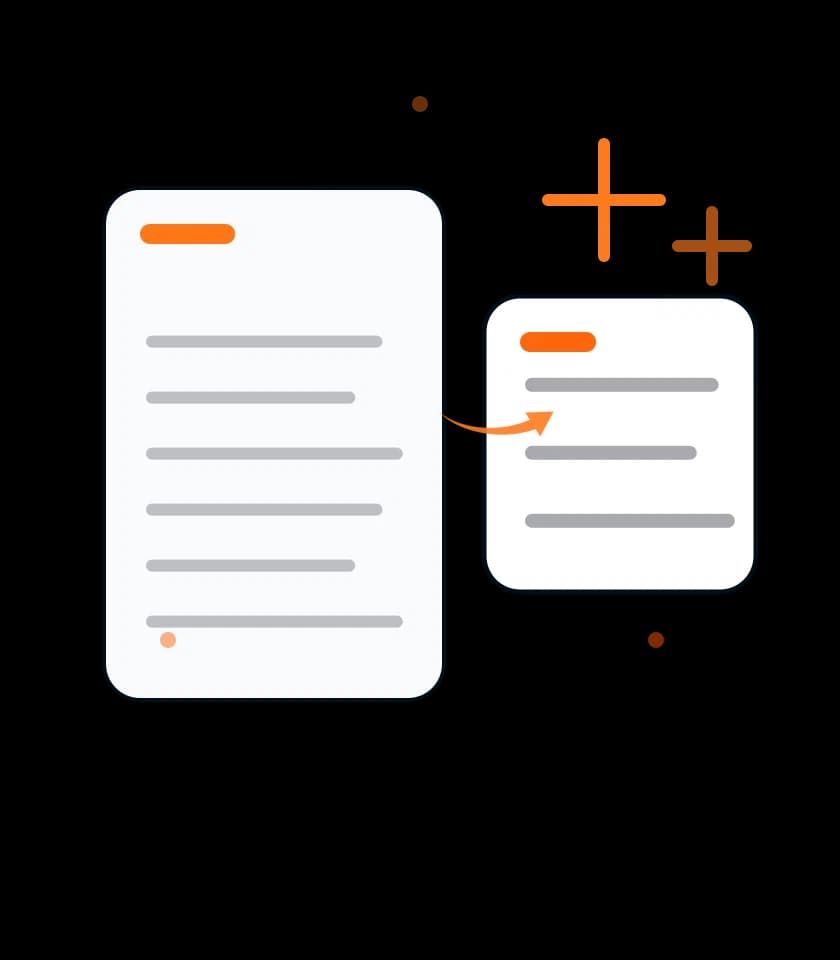
Paste long text directly, or upload TXT and DOCX files under 5 MB when you want to summarize notes, drafts, reports, or class material.
Short, medium, and detailed options help create anything from a quick two-sentence brief to a fuller paragraph-style summary.
Formal, academic, creative, and friendly tones let the summary fit study notes, business updates, draft reviews, or casual reading.
The key points option turns main takeaways into a scannable list that is easier to move into notes, outlines, slides, or follow-up tasks.
Focus mode lets you ask a targeted question, such as the main arguments, action items, risks, or definitions inside the source text.
Copy the summary, copy key points separately, or download a text file that includes the summary, key points, and compression statistics.
This page explains what is sent for summarization, why sign-in is required, how results appear in the current session, and where human review still belongs.
Text, selected options, and any focus question are sent through the authenticated AI request flow so Rune can generate the summary and key points.
The generated summary appears in the current session with copy and download actions; this page is not a long-term summary library.
Sign-in is required before generating a summary because AI requests use account-based usage checks, rate limits, and available Ores.
Review these notes before using AI summaries for school, work, research, client communication, publishing, or any decision that needs accuracy.
AI summarization sends the source text and selected options through a server-assisted AI request, so avoid secrets and unnecessary personal data.
For client, school, or workplace documents, paste only the section you need summarized and remove unrelated private context first.
AI summaries can miss qualifications, dates, citations, opposing views, numbers, or legal and medical nuance in the original text.
Verify names, figures, conclusions, and action items against the source before using the summary in public or professional work.
TXT is the most reliable upload format; if a DOCX file reads poorly, paste the document text directly into the input box.
Inputs under 100 characters are too short, and requests above 15,000 characters are trimmed before the AI request is sent.
Use short summaries for fast reading, detailed summaries for study or review, and key points when you need a checklist-style output.
Keep the source open until the summary has been checked for context, missing evidence, and statements that sound stronger than the original.
AI Summarizer accepts pasted text plus .txt or .docx uploads up to 5 MB, and text input is limited to 15,000 characters for one request.
AI Summarizer uses Rune's signed-in AI request flow, so access depends on account status, rate limits, available Ores, and service availability.
You can summarize articles, essays, reports, meeting notes, study material, transcripts, pasted text, and TXT or DOCX uploads that fit the page limits.
Yes. Turn on key point extraction to generate a separate list of main takeaways, then copy those points apart from the paragraph summary.
Yes. Sign-in is required before generation because AI requests use account-based usage checks, rate limits, available Ores, and service availability.
No. Use the summary as a reading aid, then compare it with the source for facts, context, missing details, and any claim that affects decisions.
4.1 (565 ratings)