
Install Python on Your Computer
Install Python on Windows, macOS, or Linux, check the version, and understand which command to use next.
Before you can install Python successfully, it helps to know what you are installing. Your computer needs a Python interpreter. The interpreter is the program that reads your .py files and runs the instructions inside them.
At publication time in July 2026, Python.org lists Python 3.14.6 as the current download. For a new learner, the best default is the latest stable Python 3 version from Python.org's download page, which detects your operating system and shows the current stable release. Use a different Python 3 version only when a class, job, or project tells you to.
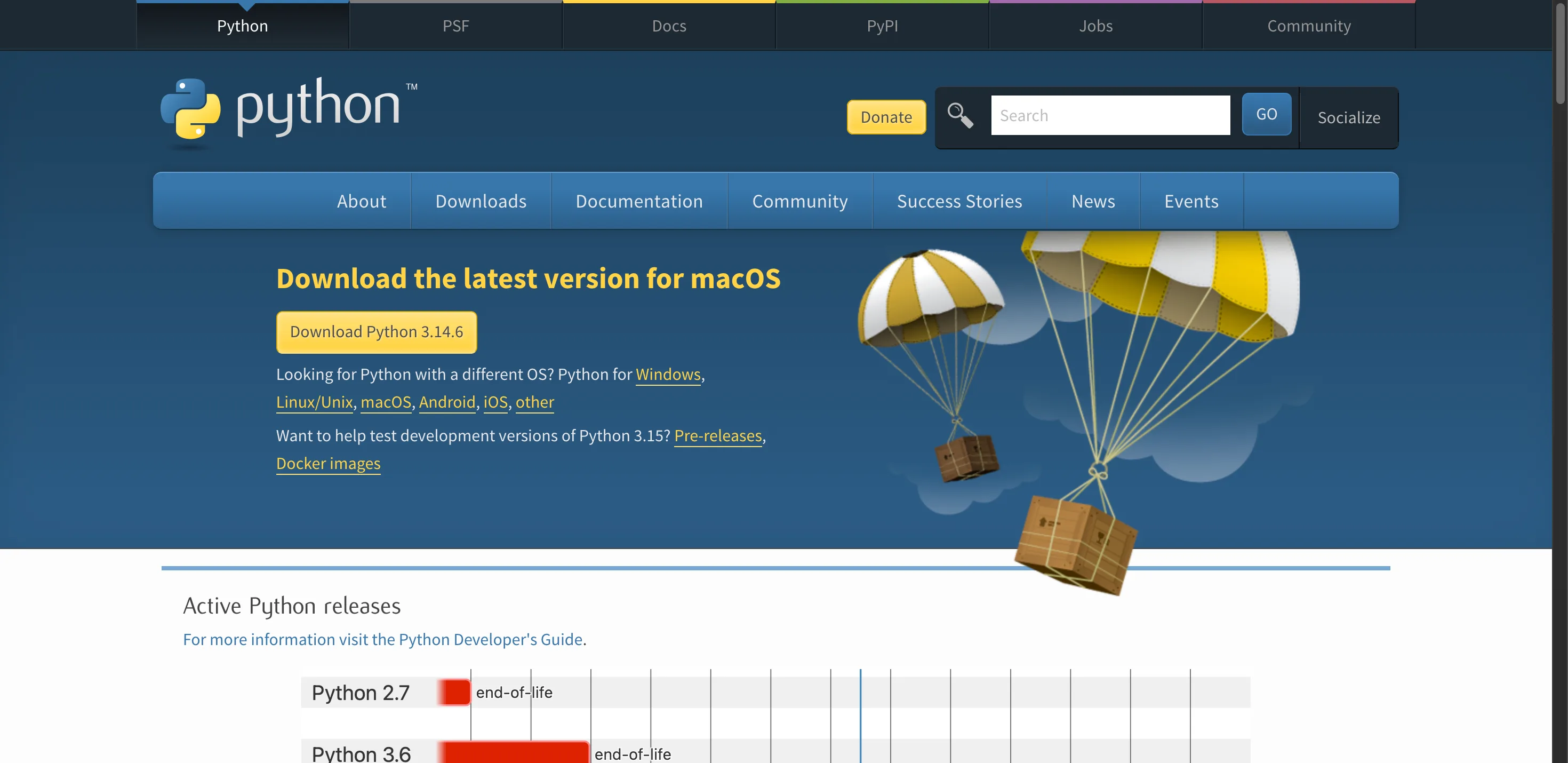
Python.org homepage showing the download button for the latest Python release
After this setup, you will be ready to choose a Python code editor and write and run your first Python program.
Check whether Python is already installed
Open a terminal first. The terminal is called Terminal on macOS and many Linux systems. On Windows, use PowerShell or Windows Terminal.
Try these commands:
 bash
bashpython --version
python3 --versionOne of them may print a version, such as:
bashPython 3.14.6If a command prints a Python 3 version, Python is already available. If the command is not found, or it opens the Microsoft Store when you did not expect it, install Python using the steps for your operating system.
Do not worry if your computer uses python in one place and python3 in another. That difference is common. The important part is knowing which command runs Python 3 on your machine.
Install Python on Windows
For most beginners on Windows, the simplest path is the official Python installer or Python Install Manager from Python.org. Download the current stable Python 3 release, run the installer, and accept the default options unless you have a reason to customize them.
During installation, make sure Python is available from your terminal. Older installers showed an option called "Add Python to PATH". Current Python installation tools may handle the global python command for you, but the goal is the same: after installation, a terminal command should be able to start Python.
After installation, close and reopen PowerShell. Then run:
bashpython --versionIf Windows also provides the Python launcher, this command can help list installed versions:
bashpy listIf python --version works, you are ready for the next lesson. If it does not, restart the terminal once more and check the installer settings. If you still have trouble, save the exact error message for common Python installation errors.
Install Python on macOS
macOS may include tools that use Python internally, but beginners should not rely on or remove system-managed Python. Install your own Python version for learning.
Download the macOS installer from Python.org, open the package, and follow the prompts. When it finishes, open Terminal and run:
bashpython3 --versionOn many Macs, the command is python3, not python. That is normal. Use the command that prints your installed Python 3 version.
If you already use Homebrew to manage command-line tools, you can install Python that way instead:
bashbrew install pythonHomebrew keeps Python separate from system Python and makes upgrading later as simple as brew upgrade python. Either the official installer or Homebrew is fine. Use whichever you are already comfortable with.
If you later see a different Python version in an editor, check which interpreter the editor selected. The terminal and editor should point to the same learning install unless you intentionally created a separate project environment.
You can also open the Python interactive shell:
bashpython3To leave the shell, type:
 python
exit()Install Python on Linux
Many Linux distributions already include Python because system tools depend on it. Check first:
bashpython3 --versionIf Python 3 is available, you can use it for beginner lessons. If it is missing, install it through your distribution's package manager. For example, Debian and Ubuntu based systems commonly use apt, Fedora uses dnf, and Arch based systems use pacman.
Linux package versions can differ from the latest Python.org release because distributions test and ship packages on their own schedule. That is fine for beginner lessons as long as you have a supported Python 3 version. If a course requires a newer version, follow the course setup instructions carefully.
Avoid deleting system Python on Linux. Removing it can break operating system tools.
Verify the interpreter
If you need a specific past release instead of the newest one, Python.org also lists every version by release date.
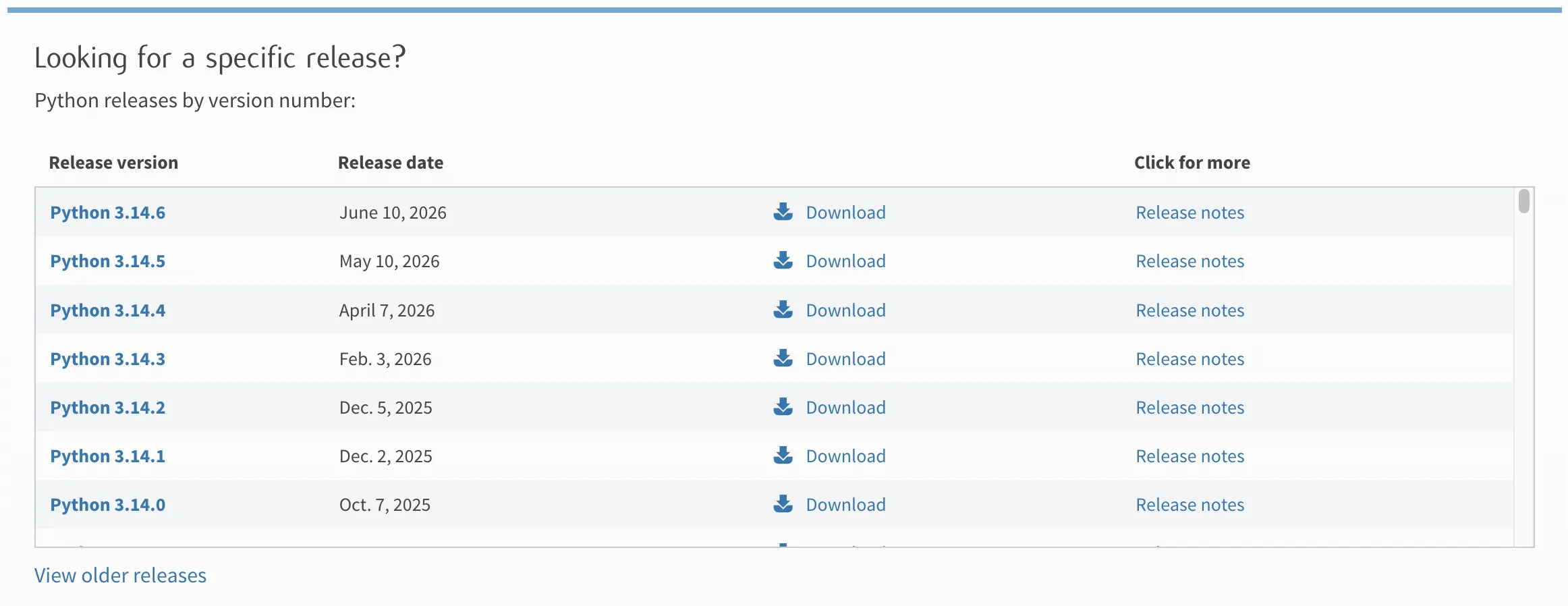
Python.org release table listing every Python version by release date
A good install passes three checks.
First, the version command works:
bashpython --versionor:
bashpython3 --versionSecond, the interactive shell opens:
bashpythonor:
bashpython3You should see a prompt that starts with >>>. Try a tiny calculation:
python>>> 2 + 2
4Third, you can leave the shell:
python>>> exit()These checks prove that Python can run commands on your computer.
Understand python, python3, and py
Beginners often get confused by Python commands. The command name depends on your operating system and install method.
Common patterns are:
| System | Common command |
|---|---|
| Windows | python or py |
| macOS | python3 |
| Linux | python3 |
These are command names, not different languages. They all start a Python interpreter when configured correctly.
When a tutorial says python, use the command that works on your machine. If your computer uses python3, replace python with python3 in terminal commands.
Do not install too much yet
At this point, you only need Python and a terminal. You do not need to install every package manager, notebook tool, or framework before writing your first program.
The next beginner steps are:
- Choose one editor.
- Create one folder for practice.
- Save one
.pyfile. - Run it from the editor or terminal.
You will learn virtual environments when you start installing third-party packages.
Your first install goal
Your goal is not to understand every install option. Your goal is to make this command work:
bashpython --versionor this one:
bashpython3 --versionOnce one command prints Python 3, your computer is ready for beginner Python practice.

Rune AI
Key Insights
Install a current stable Python 3 release unless a project says otherwise; Verify the install with a version command before writing code; Keep system Python separate from the Python version you use for learning.
Powered by Rune AIFrequently Asked Questions
Which Python version should beginners install?
Should I uninstall old Python versions first?
Should I use the python.org installer or Homebrew on macOS?
Do I need a code editor before installing Python?
Conclusion
A working Python installation means you can run a version command, open the interpreter, and execute a small script. Once that works, move to an editor and write your first file.
More in this topic
How to Test Python Code
Learn what testing means in Python, the core ideas behind automated tests, and the built-in and third-party tools that make testing practical.
Write Your First Python Unit Test
Write and run your first Python unit test step by step, using unittest to check a small function and understand the test output.
The Factory Pattern in Python
Learn how to use the factory pattern in Python to encapsulate object creation, making your code more flexible and easier to extend.